
Has been tested and works in ChatGPT, Canva and Gemini AI – Will NOT work in Claude and Deepseek as they can’t generate or output the composited image. Has not been tested in other AI’s. If you are successful in getting it work on other platforms, please let us know via the Contact-Us function. There’s a simple guide here.
Review a finished result using a sky other that the one for download.
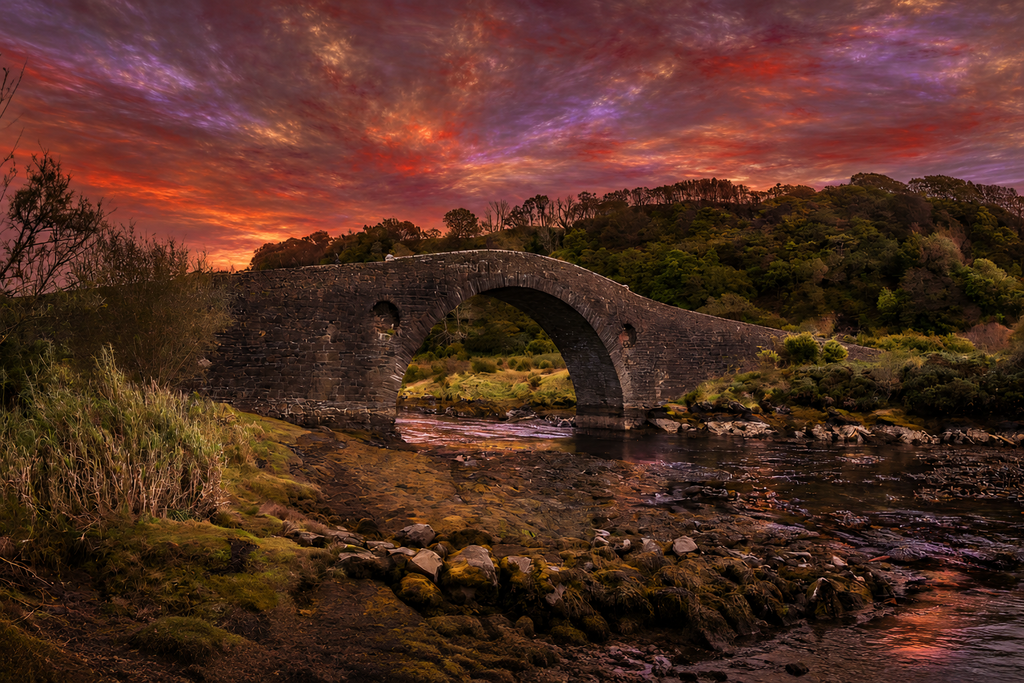
The finished photograph should keep the bridge and landscape recognisably unchanged while integrating the replacement sky into the light, colour and atmosphere of the whole scene.
Example outcome produced from the two images shown in this guide.
| Quick review checklist • Foreground geometry and detail remain intact. • No obvious halos or cut-out edges around trees, branches or the bridge. • The replacement sky sits naturally in the scene. • Foreground light and colour respond plausibly to the new sky. • The result reads as one continuous photograph. |
If the result is not convincing: try another sky image with a more compatible light direction or regenerate using the same prompt.You may also just type something like – Lighten by 10 % (or any percentage), equally you could use darken by 10%, or make the reds lighter by 50%., or even change all grass to boulders.
Lighten by 10 %
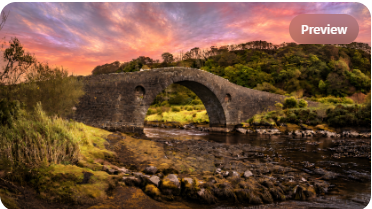
reds lighter by 50% AND change all grass to boulders.
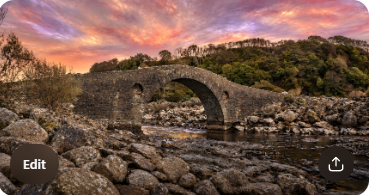
The Bridge is “The Bridge Over the Atlantic
Essentially the only limit as to the changes you may make is the limit of your Imagination
You can find the bridge here
And a sky to act as the ‘swap’ here
Finally there is a Simple Guide for AI novices here