
Delivering clean, striking black & white photos without complicated software, B & W Master Sculptor gives you a simple, fast way to get there – no installs, no accounts, and absolutely FREE.
Start in seconds – Just open and use:
👉 https://photoedithelp.com/wp-content/uploads/2026/04/B-W-Master-Sculptor-v3-5-GOLD.html
Built for beginners (and busy people)
This tool is designed for people who:
- Don’t want to learn complex editing software
- Use Chromebooks or lower-powered devices
- Just want a great-looking B&W image quickly
NO need to understand curves, layers, or masking.
Just load an image and start adjusting – WYSIWYG what you see is what you get.
Your images stay yours — always
This is the core principle behind everything here:
- Nothing is uploaded, stored and no personal data collected
- No accounts, tracking or “free trial” traps
- SECURE Everything runs locally in your browser. Your images never leave your device.
What it actually does
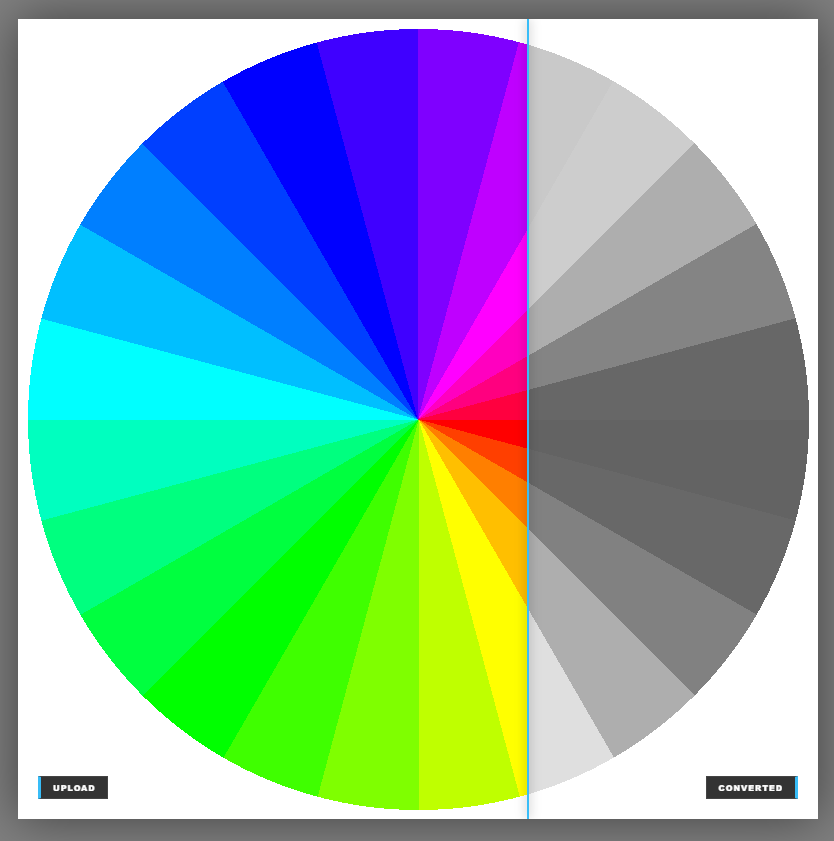
B & W Master Sculptor focuses on one job – converting to black & white properly:
- Convert colour images into strong, clean monochrome
- Adjust contrast and tonal depth easily
- Shape the “feel” of the image without technical complexity
- Export ready for social media (1200px, 3:2 ratio)
It’s not trying to replace professional tools – It’s built to be fast, simple, and reliable.
Why this approach works
Most photo apps go one of two ways:
- Too basic → poor results OR Too complex → steep learning curve
This sits in the middle: Simple controls – Meaningful results – Immediate feedback
You get a better image without needing to “learn editing.”
Part of a wider toolkit (same rules apply)
B & W Master Sculptor is just one piece of a growing set of tools – all built on the same ideas:
- Run in your browser – FREE, SECURE, no installs, no logins, no data collection / harvesting
Explore other creative tools.
- Colour Palette – https://photoedithelp.com/wp-content/uploads/2026/02/Colour-Palette-1080.html
- Colour Picker – https://photoedithelp.com/lumatic-lab-colour-picker/
- LUT Resampler – https://photoedithelp.com/lumatic-lab-lut-resampler-2/
- Style Matcher – https://photoedithelp.com/lumatic-lab-style-matcher/
Try it your way
There’s no right or wrong approach here:
- Drop in a photo, move a few controls – Export when it looks right – That’s it.
If you want more detail, you can explore the full user + technical pack:
https://photoedithelp.com/wp-content/uploads/2026/04/BW-App-PACK.zip
Bottom line
This is editing without friction. – No cost. No accounts. No data collection.
Just open it and get the result YOU want.